

Skip to content

Calendar events

Map today's events onto time

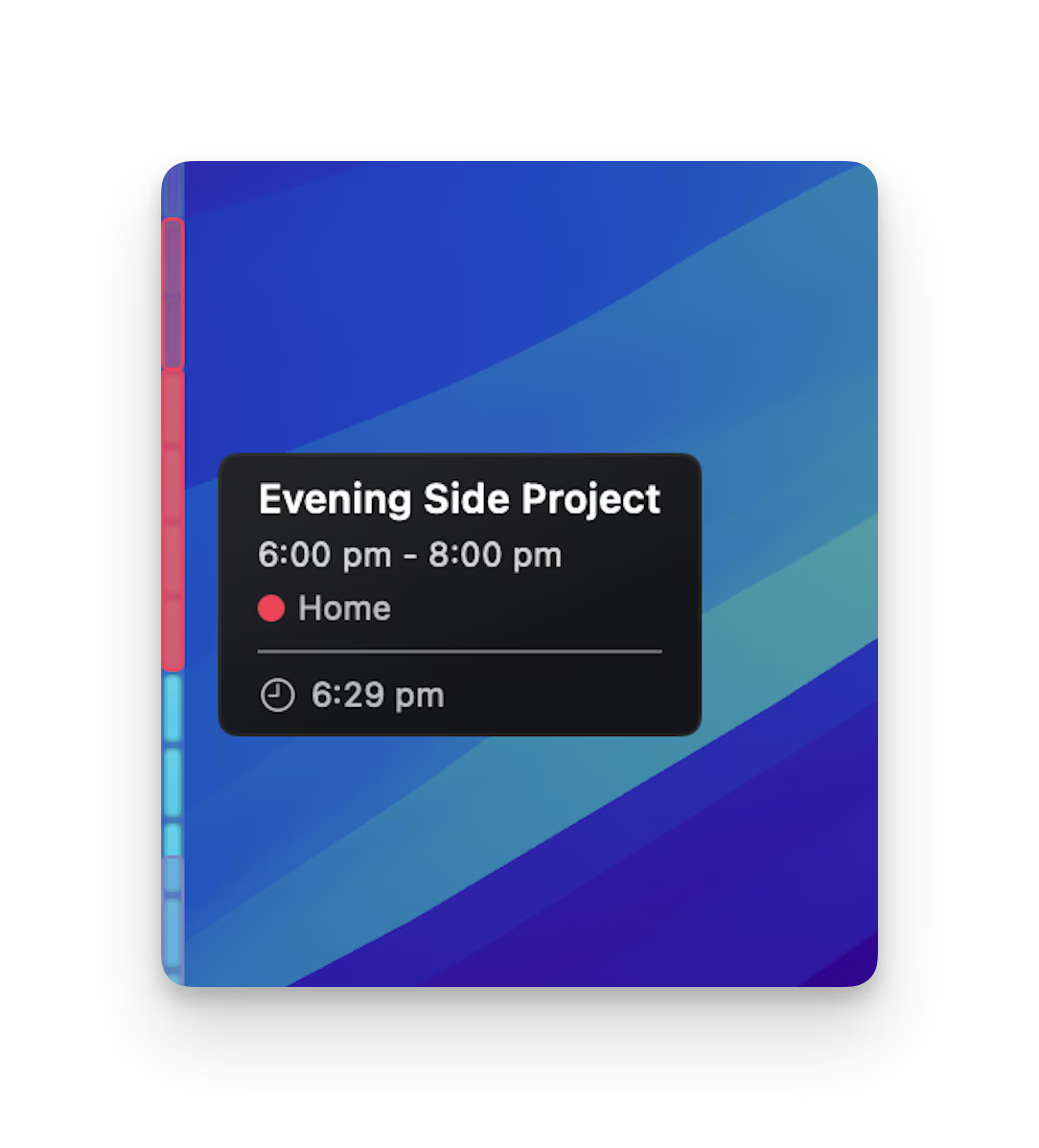
With optional calendar access, SideTime places today's events directly on the rail. Meetings, focus time, and gaps in your schedule become part of the same visual timeline.

SideTime showing calendar events mapped onto a visual time rail

Events in their actual position

Calendar markers appear where they happen in the day, making your next commitment easier to place in context.

See the next event

SideTime can show what is coming up next, helping you notice when a meeting is close without opening Calendar.

Local and optional

Calendar access is optional and read-only. SideTime uses it locally on your Mac to draw event markers.

See it in action

Experience SideTime with our interactive demo. See how a quiet bar at your screen edge changes the way you feel time.