
Skip to content

See time,
not just numbers.

SideTime turns your day into a quiet visual rail at the edge of your Mac, so you can feel how much time has passed — without timers, logging, or interruptions.
Download for Mac

Free · macOS 14+

Time you can feel, at a glance.

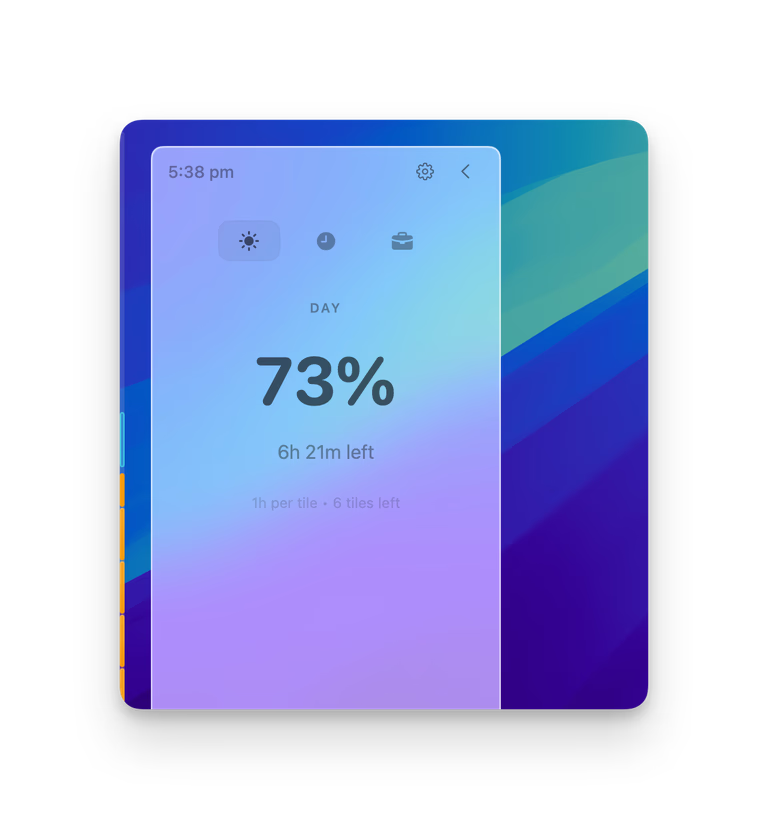
SideTime showing today's progress percentage and mode controls
Today First

See Your Day
Filling Up.

See today as a simple percentage, updating quietly as time passes.

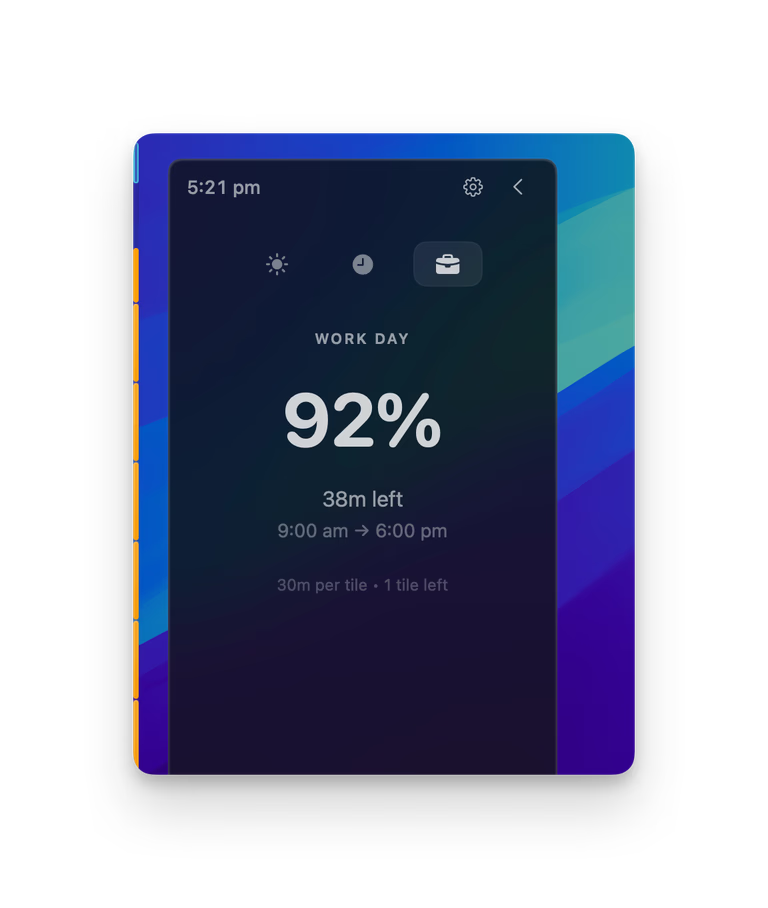
Switch between day, hour, and work modes to match the rhythm you care about.
Learn about visual time
SideTime edge rail staying visible beside the desktop
Edge Rail

Time Stays
At the Edge.

A quiet vertical rail stays on your screen, showing progress without pulling you out of your work.

Bottom-up progress. No extra window. No noise.
See the edge rail
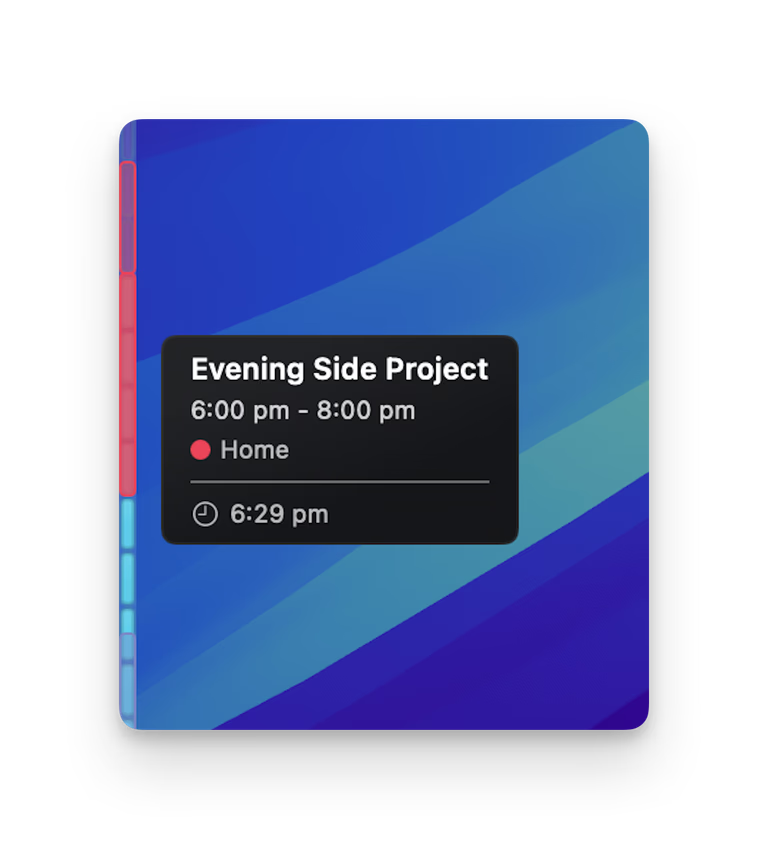
SideTime mapping calendar events onto the time rail
Calendar Events

Meetings, Mapped
Onto Time.

Today's events appear directly on the rail, exactly where they occur in your day.

Next event. 3 tiles away.
Explore calendar events

Download SideTime

Free. No account, no tracking — everything stays on your Mac.
Requires macOS 14.0 (Sonoma) or later.

Download for macOS

Frequently Asked Questions

What versions of macOS are supported?
SideTime requires macOS 14.0 (Sonoma) or later. It's a native app, optimized for both Intel and Apple Silicon Macs.
Does SideTime affect system performance?
No! SideTime is incredibly lightweight, using less than 50MB of memory and minimal CPU. It's designed to run continuously without impacting your Mac's performance or battery life.
Can I customize the appearance?
Yes! Pick from gradient, solid, or tile themes, choose your colors, set the bar to live on the left or right edge, and make it thinner, thicker, more visible, or more subtle — all with simple sliders. Everything updates instantly so you can see what looks best.
How does calendar integration work?
SideTime reads from your local calendar (with your permission) and displays events as visual markers on the progress bar. No data is sent to external servers - everything stays on your Mac.
What about privacy?
Your privacy is paramount. SideTime runs entirely locally with no internet connection required. No analytics, no tracking, no account needed. Your data never leaves your Mac.
How do I get support?
Email us at ziqi.dev@outlook.com — we usually reply within 24 hours. You can also send feedback or rate the app using the links at the bottom of this page.

Have a question, feature request, or something you don't like? Email us at ziqi.dev@outlook.com or send quick feedback.

Send feedback · Rate SideTime

See it in action

Experience SideTime with our interactive demo. See how a quiet bar at your screen edge changes the way you feel time.